
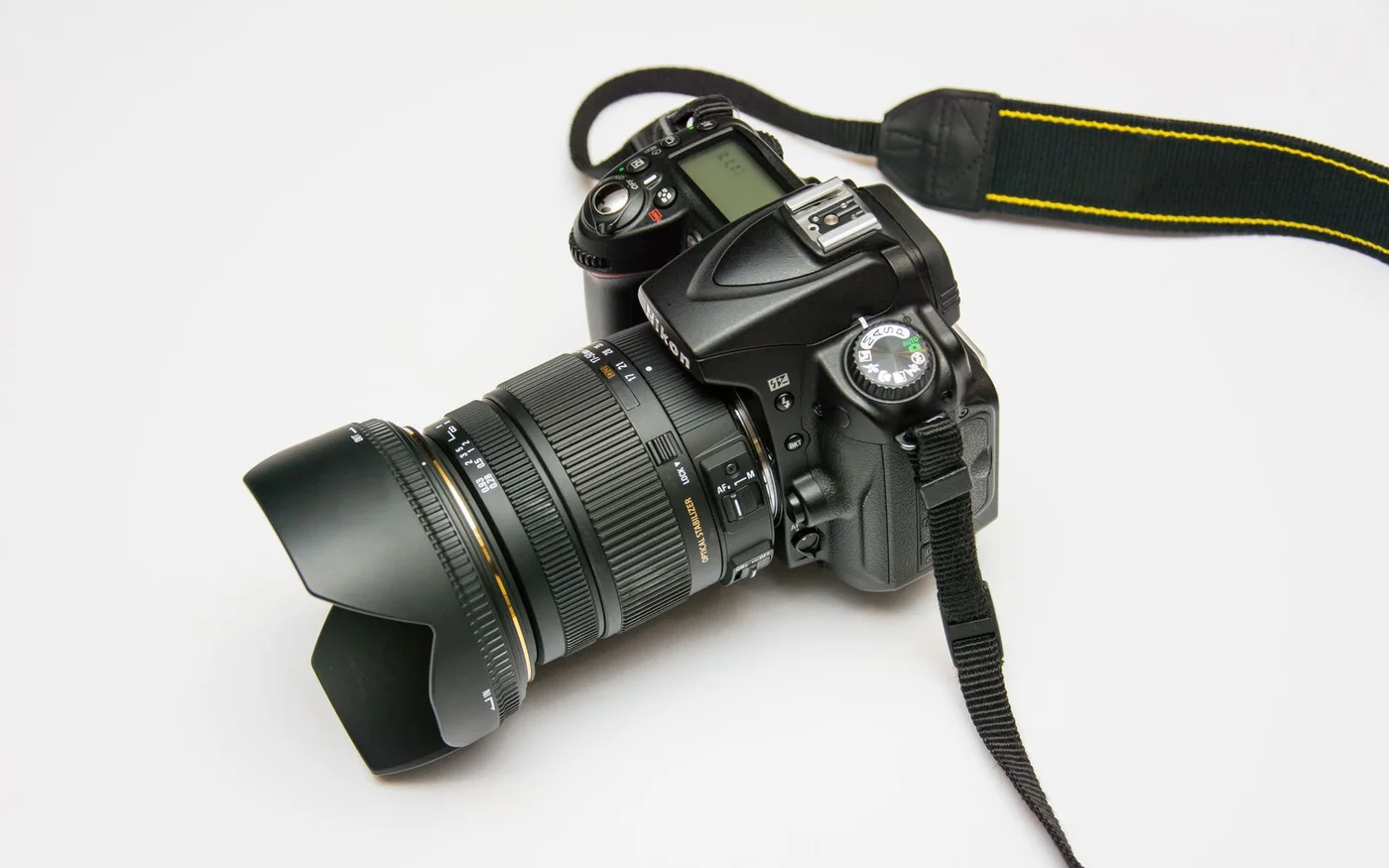
The new homepage image looks sharp on a designer's monitor, but the same photograph can make a customer's phone download far more data than the layout needs. A file that works beautifully in a full-width hero may also be reused in a tiny card, a related-story panel, and a mobile list. When every placement requests the original, visual polish comes with an unnecessary cost. The solution is an image workflow designed around how each picture is actually used.
This article uses an illustrative design-agency blog to explain that workflow. It does not claim a measured performance improvement for a particular business. The examples focus on choosing source images, producing appropriate versions, and checking the files browsers request. The recommendations apply to both restored static websites and content-management systems, although the implementation details and available automation will differ.
Start with the purpose of the image
Before discussing formats, decide what the picture contributes. A project screenshot can demonstrate an interface. A product photograph can explain a physical detail. A stock workspace image can establish a theme without proving anything about the business. The distinction affects the crop, alternative text, and caption. Do not make a decorative image carry essential information that never appears in readable page content.
For a blog card, the subject must remain recognizable at a small size. For a hero, there may need to be room for surrounding text or a composition that survives a narrow viewport. Choose the source with these placements in mind. A visually interesting photograph can still be the wrong asset if every useful crop cuts off the relevant detail. Resolve that question before producing a large set of variants, because compression cannot repair a composition that communicates the wrong subject.
Match output sizes to real placements
Inventory the image slots in the design: hero, card, related article, avatar, and any special content panels. Measure their likely displayed widths at representative breakpoints. Produce a manageable set of outputs that covers those uses rather than exporting an arbitrary collection of sizes. Consider display density, but avoid assuming that every visitor needs the largest possible source for every slot.
Keep the connection between the original and its derivatives. If an editor replaces a hero, the card and related-story versions should update consistently. A website that shows one photograph on desktop and an unrelated one on mobile creates a confusing editorial experience. Use predictable filenames or an asset manifest so a future repair can identify which versions belong together. That is particularly valuable in a restored site where the original content-management system is no longer generating the variations automatically.
Give the browser useful choices
Responsive image markup lets a page describe available sources and expected display sizes. The browser can then make an appropriate selection using information about its environment. The picture element supports cases requiring explicit source selection, such as a different composition for a narrow screen. These approaches solve different problems and should be selected intentionally. The web.dev responsive images guide explains the distinction and the roles of srcset, sizes, and picture.
The important implementation check is the requested file. A page can contain several variants while still causing every visitor to download the largest one because its size hints are inaccurate. Inspect the browser's current source and network request at different viewport widths. Repeat with a clean cache where appropriate. Do not assume the setup works merely because the markup contains modern attributes. The result should connect the displayed placement to a suitable file, with the intended crop and enough quality for that use.
Judge compression with the actual image
Different photographs respond differently to compression. Fine texture, text inside screenshots, gradients, and high-contrast edges can reveal artifacts at different settings. Compare the output at the size people will see rather than zooming into every pixel or judging a tiny preview. The goal is a sensible balance between clarity and transfer cost, not a universal quality number applied to every file.
Keep an original master where appropriate so future variants do not have to be generated from an already heavily compressed derivative. Avoid repeatedly converting the same image through several lossy formats. If a screenshot contains essential text, consider whether that information should also be available as actual page text. A sharper image is not a substitute for readable content or an accessible explanation. Record the settings used for important exports so another person can reproduce the workflow when the design or source image changes.
Load images in the order the journey needs
An image near the top of the page has a different role from a photograph far below the fold. Delaying every image through the same lazy-loading system can make the first screen look unfinished. Loading every image immediately can waste resources before the visitor reaches them. Classify the placements and examine the browser's loading sequence rather than applying one rule indiscriminately.
For the agency blog, the article hero is important at arrival, while related-story pictures can usually wait until they approach view. A hidden slider should not make essential content depend on a missing initialization script. Where JavaScript enhances the experience, the underlying image references should remain meaningful. Test the page with the enhancement unavailable to see whether visitors still receive the important visual information. A restored site benefits from ordinary image markup that can work without recreating every optimization behavior from the original platform.
Reserve the layout before files arrive
Images without a known layout footprint can push headings, buttons, and paragraphs around while the page loads. Provide appropriate dimensions or an aspect ratio so the browser can plan the space. Confirm that the chosen crop fits the reserved shape and that responsive styles do not unexpectedly distort it. A stable card grid feels more dependable and makes it easier for visitors to keep their place.
Check unusual content as well as the ideal sample. A portrait photograph placed in a landscape card should have a deliberate crop. A wide logo may need containment rather than the cover behavior used for editorial photography. Treat those asset types differently. A logo with its edges cut off is not an acceptable outcome simply because the image request succeeds. Visual checks should confirm both technical availability and the intended presentation of each type of picture.
Keep sources and rights traceable
An image search result is a discovery route, not a license. Visit the source, check the relevant terms, and record the origin of the chosen file. Distinguish paid stock, freely licensed material, the business's own photography, and images used with specific permission. Retain the information needed to explain why the asset can be used. If the source imposes attribution conditions, implement them as required rather than assuming a filename serves as a credit.
Avoid using illustrative stock photographs as evidence of completed client work. The caption and surrounding text should make the role of the image clear. Be particularly careful with identifiable people, brands, and sensitive contexts. A photograph that is technically downloadable may still be unsuitable for a particular implication. A small source manifest can store the page, photographer or provider, license reference, local derivatives, and any important restrictions. That record makes later redesigns and asset repairs much easier to handle responsibly.
Check deployment paths, not only the editor
Images can disappear after a website moves even when the files are present. Root-relative references, external domains, and paths tied to an old directory can all create a mismatch between the preview and the delivered site. Test the actual deployment arrangement. If a static copy needs to work from a subfolder or when opened locally, its references must reflect that requirement rather than assuming it always sits at a domain root.
Inspect CSS backgrounds as well as image tags and source sets. A page may display its main photograph while silently losing a background or icon loaded from a stylesheet in a different directory. Resolve each reference relative to the file that contains it. Confirm the server returns an actual image rather than a branded error page with a successful-looking status. An asset audit should include decoding or visual inspection where practical, because existence and correct content are different checks.
Separate editorial photography from brand assets
Logos, icons, and photographs need different handling. A logo often benefits from a suitable vector original and enough space around its edges. Cropping it to fill the same frame as a landscape photograph can remove meaningful parts of the mark. An icon should remain recognizable at its intended scale, while a photograph may need a larger raster source to preserve detail. Define these asset types explicitly in the design system.
When restoring missing files, avoid replacing a technical asset with something that merely shares its extension. An image file cannot substitute for a font, and an unrelated logo cannot authenticate a customer testimonial. Verify the meaning of the asset as well as its availability. A replacement manifest should explain whether the team recovered an original, generated a size variant, or selected a thematic illustration. That distinction helps future editors understand which files are factual brand material and which can change with the editorial treatment.
Make the workflow easy for the next editor
Document the few decisions editors need to make: which source size to upload, which crop to approve, what the image communicates, and when a caption or alternative text is needed. Automate repetitive exports where the platform supports it, but keep a way to inspect the outputs. Automation is most useful when it preserves a clear relationship between the source and the visible placements.
After publishing, open the page on desktop and mobile, check the requested sources, and inspect the surrounding layout. Keep a small record of any exceptions, such as a deliberately different mobile composition. The result should be a collection of images that support the content, remain traceable, and arrive in appropriate forms. A fast, reliable image system is less about one fashionable format than about a consistent chain of decisions from the original photograph to the file a real visitor receives.